Fish with room to wander
Tropical fish glide, turn, change depth, and swim behind the coral. A clownfish stays close to its anemone.
A screensaver for Roku
Settle into a colorful aquarium filled with wandering tropical fish, swaying tentacles, rising bubbles, and soft light across the reef.
Explore your aquarium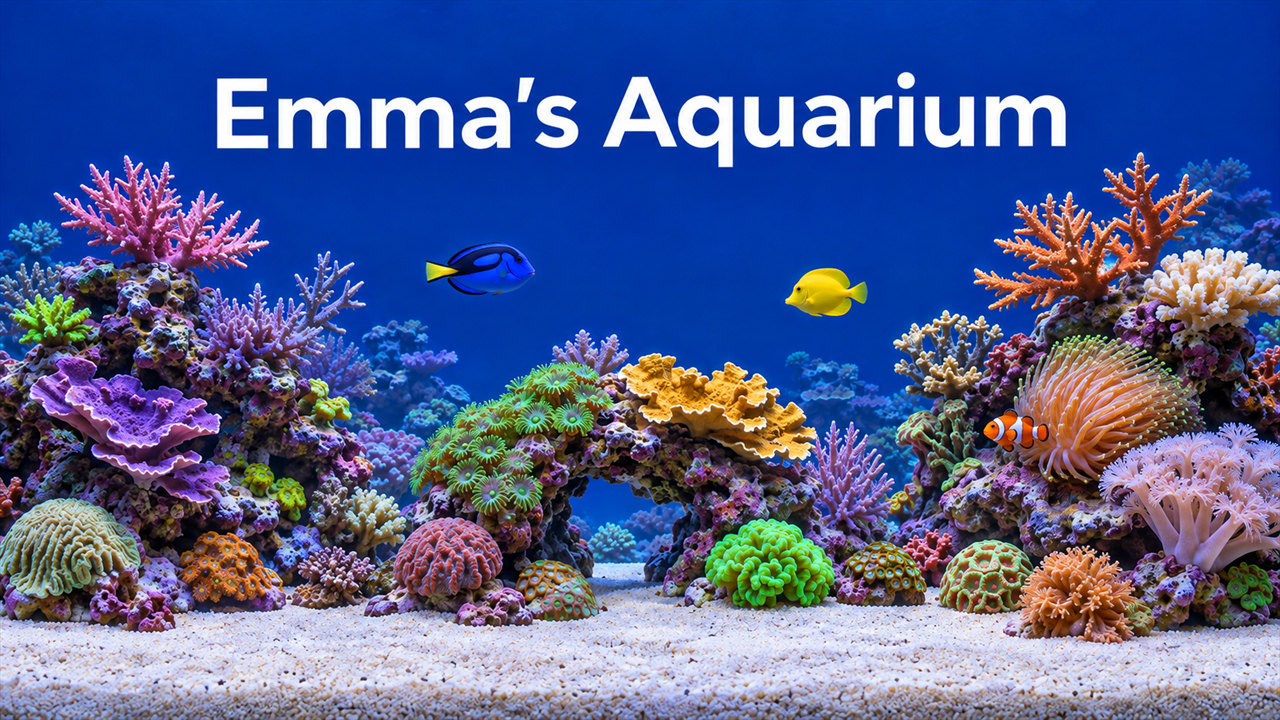
Made for a moment of calm
Tropical fish glide, turn, change depth, and swim behind the coral. A clownfish stays close to its anemone.
A slow camera pan reveals shimmering surfaces, a bubbling pineapple house, and gently swaying anemone tentacles.
The app tests animation settings for your device and saves the results. A separate settings page lets you review them and request another test.
Getting started
After installing Emma’s Aquarium on your Roku, go to Settings → Theme → Screensavers, select Emma’s Aquarium, and choose Set as screensaver. Menu wording may vary by device.
Choose Preview to watch immediately. Use the screensaver’s Change screensaver settings option to review animation quality or request a performance retest.
Help & support
Contact emmasaquarium@gremillion.org. Please include your Roku model, app version, and a short description of the issue. Avoid sending passwords or Roku account details.
The current version downloads artwork from our asset server and keeps verified copies in Roku’s cache. If required files are missing, it needs a working connection before the aquarium can load.
Pressing a remote button dismisses the screensaver. Open its separate settings page through Roku’s screensaver menu to change settings.
Check your connection and try Preview again. If the problem continues, send support the error text. Do not reset your Roku as a first troubleshooting step.